 With the recent expansion of Spiffy Stores into New Zealand, we’re actively looking out for new ways to add support for our New Zealand store owners… so we’re pleased to announce the addition of a new payment gateway from Flo2Cash today.
We’re obviously used to writing code to interact with a wide variety of credit card payment gateways around the world, but we have to admit that adding the support for the Flo2Cash Web2Pay web service had to be one of the fastest turnaround times that we’ve ever experienced. The whole process from start to end took just over 24 hours, and included some very helpful support from the Flo2Cash people!
In coming weeks, we’re expecting to be adding some other features specfically for New Zealand, so watch out.
Of course, this new gateway is in addition to our NZ support for PayPal Website Payments Standard, PayPal Express, and the ability to accept credit card payments manually using your own credit card processing facilities.
If any of our New Zealand customers have any feature requests that are specific to New Zealand e-commerce stores, please let us know!

 Google have just announced that they are launching both the Google Merchant Center and Google Shopping in Australia!
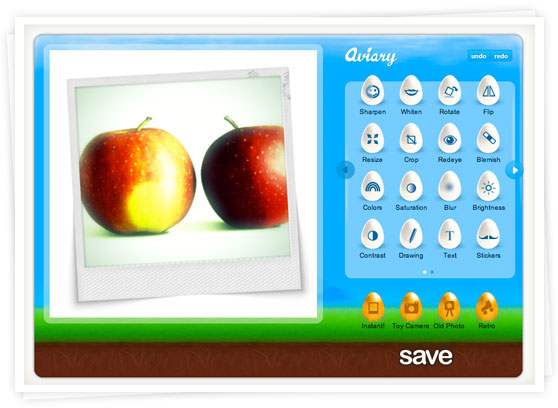
 Here’s a small but useful enhancement that has just been released for your Spiffy Store.
 We’re pleased to announce that we’ve added payment gateways from Suncorp Bank and Bendigo Bank to our supported Australian payment gateways.